A client opens your website on her phone, on mobile data, while waiting for the bus. The screen stays white for two, three seconds. She goes back to Google and taps the next result. She never even read your headline.
Site speed isn't a technical detail. It decides whether a visitor stays, and Google also uses it as one of its page quality signals. The good news: most of the speed work can be left to the platform, and the little that depends on you is easy to control.
How to check your speed
The simplest tool is Google's free PageSpeed Insights at pagespeed.web.dev.
- Open pagespeed.web.dev.
- Enter the address of your page (your home page, for example) and click Analyze.
- Wait about ten seconds. You get separate results for mobile and desktop. Look at mobile first, since most of your visitors come from phones.
Test several pages, not just the home page: the gallery page, a service page, the contact page. The slowest page is usually the one with the most photos.
What the numbers mean
At the top is a score from 0 to 100 in colour: green (90 and above), orange and red. The score comes from lab measurements and moves by a few points from test to test, so don't worry about a difference of 3-4 points.
More important are three measures Google calls Core Web Vitals. In plain words:
| Measure | What it measures | Good (according to Google) |
|---|---|---|
| LCP (Largest Contentful Paint) | How long until the largest part of the screen appears, usually the main photo or heading | up to 2.5 seconds |
| INP (Interaction to Next Paint) | How quickly the page reacts when you tap or click something | up to 200 milliseconds |
| CLS (Cumulative Layout Shift) | How much content "jumps" while loading, so you tap the wrong thing | up to 0.1 |
If the page has enough visitors, PageSpeed also shows real measurements from Chrome users over the last 28 days, above the score. Those matter more than the lab score, because they show how the site performs for real people. For a new or small site that data usually isn't there yet.
Below the score, PageSpeed lists suggestions ("Properly size images", "Reduce unused JavaScript"...). You don't have to fix them all. Look only at the ones that repeat and relate to your content, most often photos.
What usually slows down a small business site
In practice it's almost always one of these:
- Huge photos. A phone photo is 4,000 pixels wide and several megabytes. A phone screen shows 400. If the site sends the original, the visitor waits for nothing.
- Too many videos and sliders on one page. A video behind the hero, another one in the middle, then a slider with ten large photos: each of them loads.
- Content embedded from other sites. An Instagram feed, a chat window, three Google Maps, share buttons. Each such add-on loads its own code from someone else's server, often more than your whole page.
- Lots of different fonts loaded from other services.
What Emit does for you
On Emit you don't have to deal with most of this. Everything below happens automatically, on every site:
- Every photo is converted to WebP and resized when you upload it. WebP is a modern image format that's considerably smaller than JPEG for the same sharpness. The photo is resized to fit within 2560 × 1400 pixels, enough for a large screen, and the original from your phone never reaches visitors.
- Pages are cached on the Cloudflare network. Visitors get a ready-made page from the server nearest to them, instead of it being built from scratch every time. When you save a change, that page's cache is cleared automatically, so visitors see the new version right away.
- Fonts load from your own site. Every font you choose in Style Settings is on the same server as your site, your chosen fonts are loaded in advance, and the browser keeps them for good. No waiting on outside font services.
- Design files and platform scripts come from the Cloudflare network. They carry a version tag, so the network keeps them until the platform is updated, and after an update visitors automatically get the new ones. The browser also keeps the design files (CSS) for a week.
- SSL and a CDN are included. Every site has an SSL certificate and runs through the Cloudflare network.
What's still up to you
The platform can't decide for you how much content goes on a page. Three habits make the biggest difference:
Choose photos, don't pile them up. A gallery of 12 good photos is faster and nicer than one with 60. You upload photos in the Media Library (in the left menu, under Design), and Emit resizes and converts them for you.
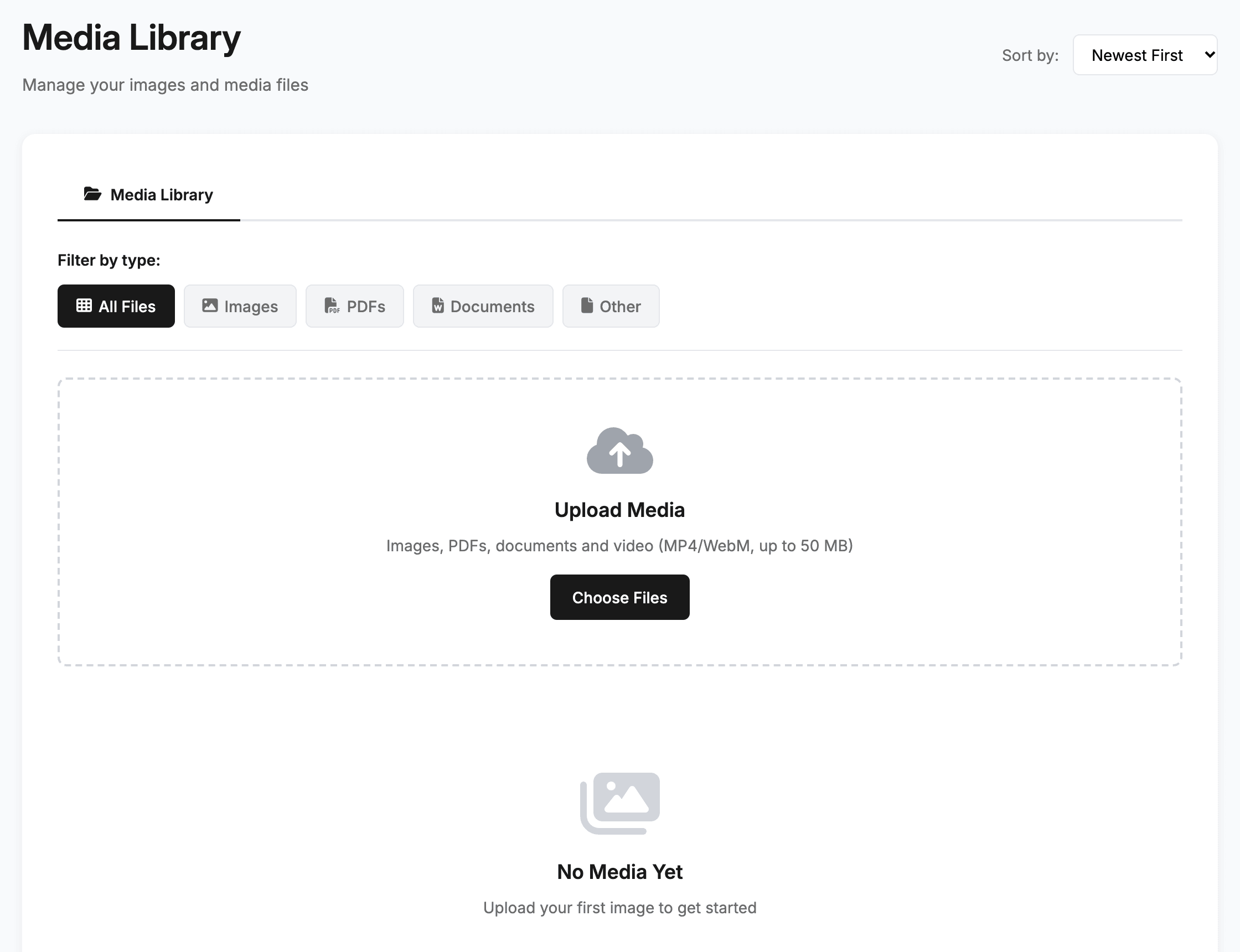
Photos uploaded to the Media Library are automatically converted to WebP and resized One video per page is enough. The Media Library accepts files up to 50 MB, but that doesn't mean a video should be that big. A short, quiet video in the hero works better than a long one.
Be careful with embedded add-ons. Before adding an Instagram feed or a chat from another site, ask whether visitors really use it. If you add one, check your speed in PageSpeed again.
More on uploading photos and free Unsplash photos: Media Library and Unsplash step by step.
And site maintenance?
Many people worry that a site "needs maintaining": updates, plugins, security patches, backups. On Emit that's part of the service:
- hosting is included, with no charge for traffic,
- every site has an SSL certificate and the Cloudflare CDN,
- backups, updates and security patches happen automatically,
- there are no plugins you have to update yourself.
Your job is the content: correct prices, new photos, holiday opening hours.
In short
- Check your speed at pagespeed.web.dev, mobile first.
- Also test your heaviest page, usually the one with a gallery.
- Look at LCP, INP and CLS more than the score itself.
- Don't pile photos, videos and sliders onto one page.
- Before any add-on embedded from another site, check you really need it.
- Images, caching, fonts, SSL and maintenance are handled by Emit.
If you're also sorting out how your pages look in Google, continue with page SEO settings.