Introductory period - every feature free, no credit card
Blog and content

A blog on your website -
write like in Word, Google reads it

You write articles, news, offers and tips in the same editor as your pages, with no HTML - with AI or by yourself. Every post gets its own address, cover image and short summary, ready for Google. See a live example: the Emit blog with tips for small businesses.

Unlimited posts · Drafts before publishing · Google settings per post


Writing

Write like in Word, get a tidy result

Text, subheadings, images and quotes come together in the same visual editor you use for pages. Every post has a cover image, a short summary for the post list, and a title and description for Google.

  • Same editor as for pages - no HTML
  • Cover image and short summary (taken from the opening text if you skip it)
  • Google title, description and keyphrase per post
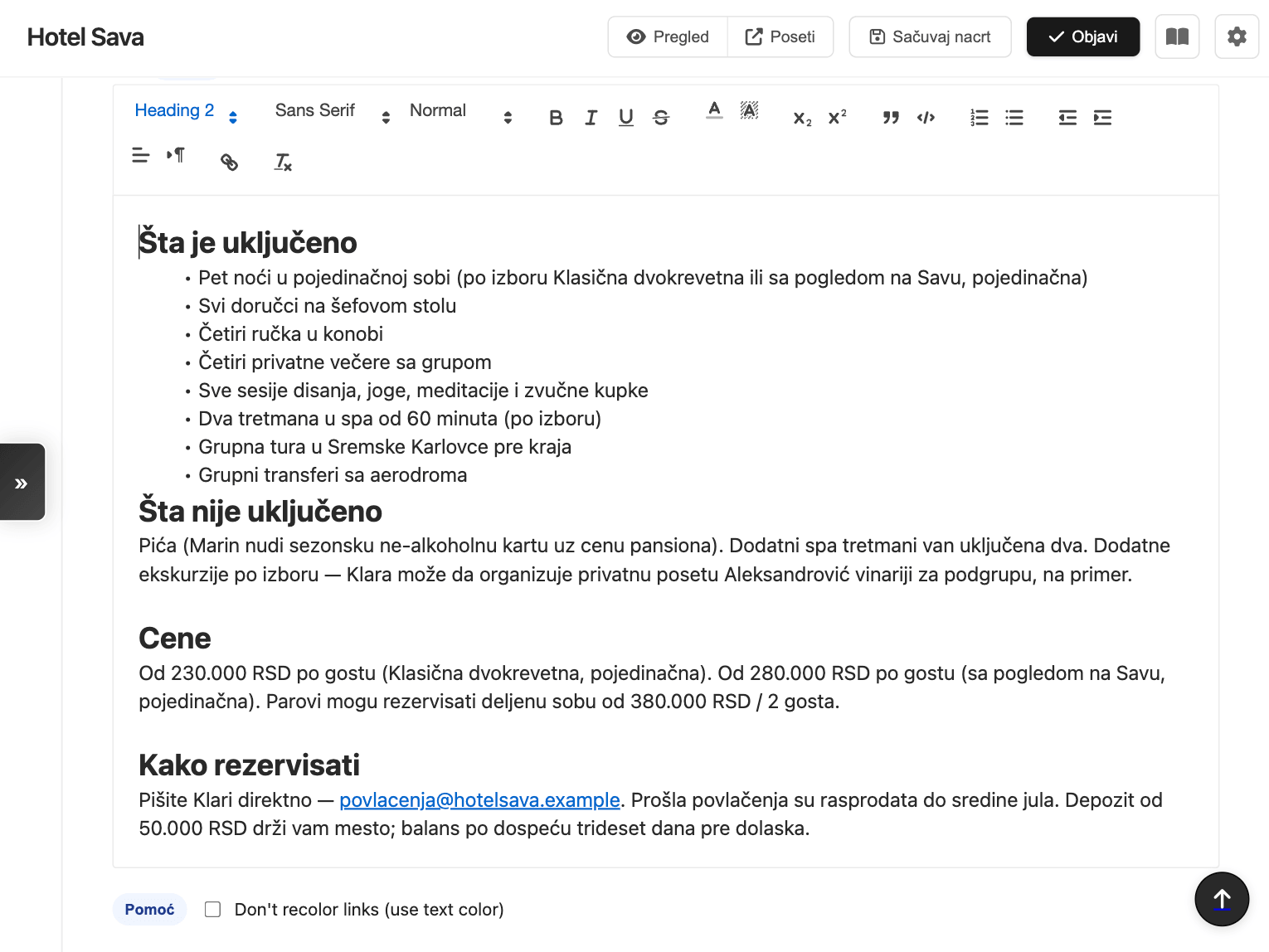
Writing a blog post in the visual editor

Drafts before publishing

Write in peace, publish when you are ready

A post saved as a draft is not visible on the site. Edit it as often as you like, and move a published post back to draft to take it down for a while.

  • Drafts are hidden from visitors
  • Pinned posts stay at the top of the list
  • Related posts at the end of each article, matched by shared tags
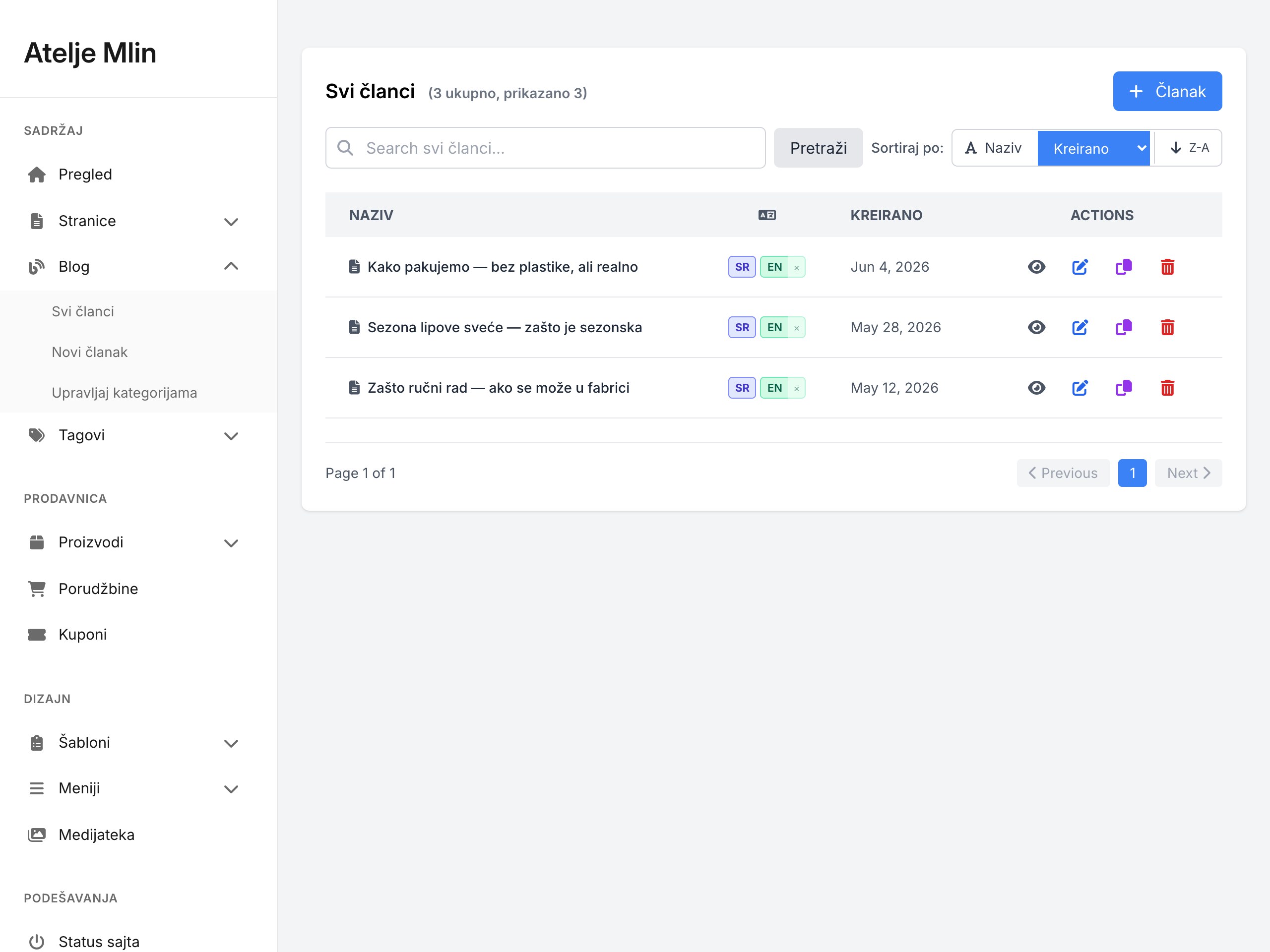
Blog post list with drafts in the admin

Post list

A blog page that updates itself

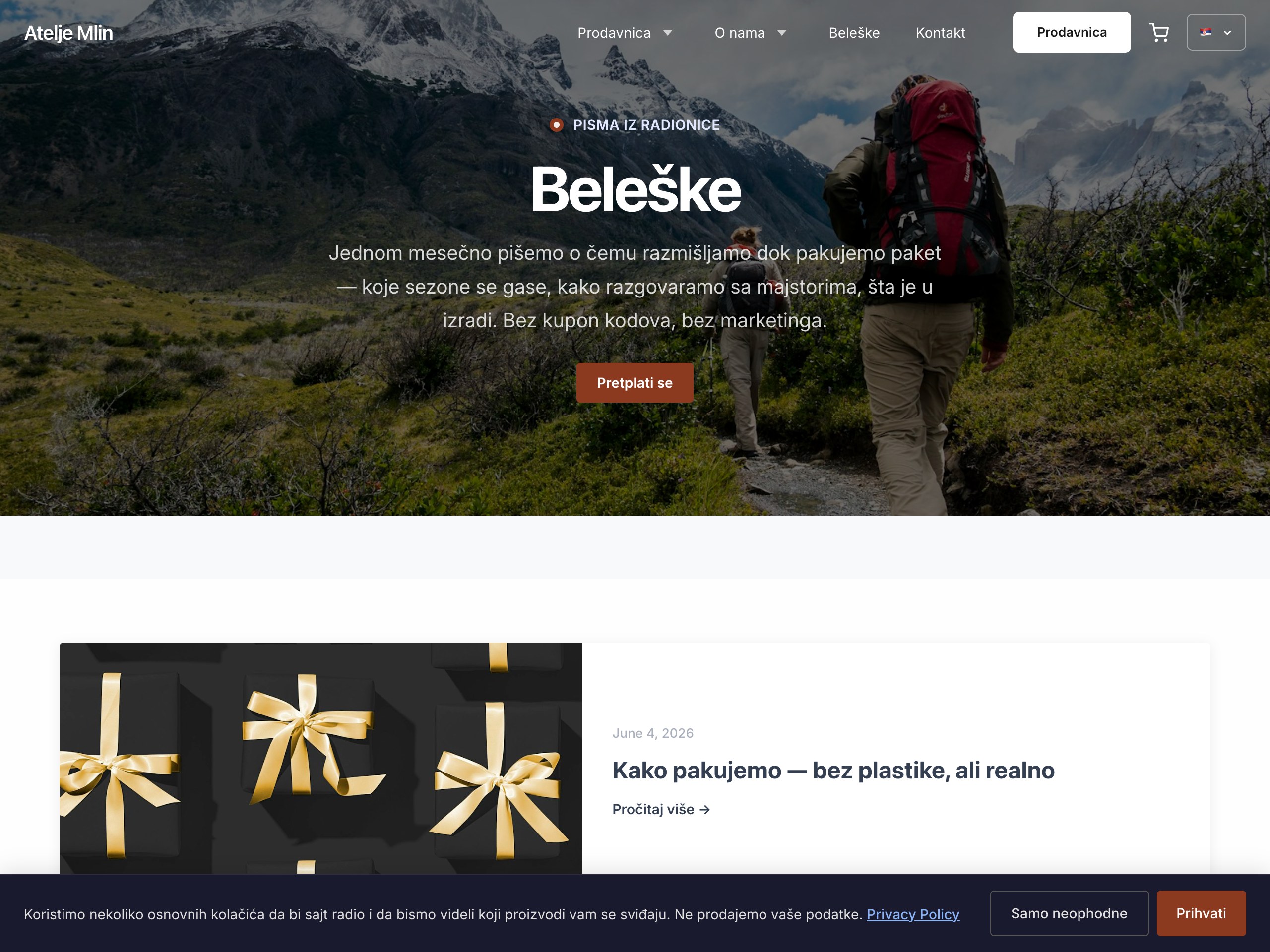
A new post appears on the blog page right away - as a grid or a list, with pagination and category filters. You can also show the latest posts on the homepage or any other page.

  • Grid or list layout, with pagination
  • Filter by category
  • Latest posts on any page of the site
Blog page showing a grid of posts

Categories and addresses

Categories for visitors - and for Google

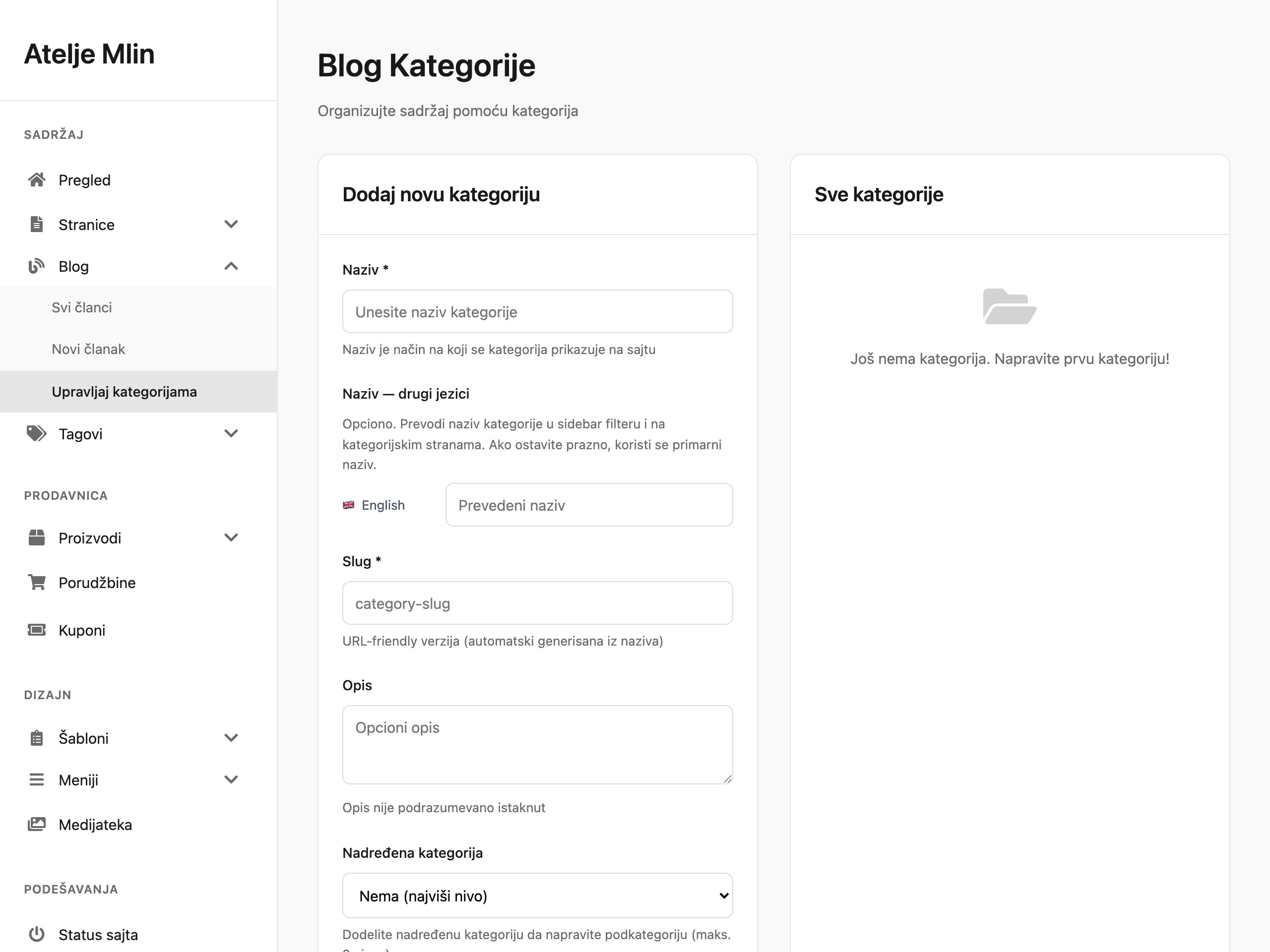
Group posts by categories and tags. Each category has its own page listing its posts, and each post has a short, readable address: /blog/category/post-title.

  • Categories with their own pages
  • Tags that connect related posts
  • Address based on the title - you can change it
Blog post categories

Your own content types

Work, references, projects - each in its own drawer

Besides pages and the blog you can create your own content types - for example "Our work" for a hair salon or "References" for a construction company. Each gets its own admin menu, its own address, categories and extra fields.


Writing with AI

AI writes the first draft, you approve it

Connect ChatGPT or Claude to Emit and say what you need. The AI saves the post as a draft, with a category, tags and a short summary - you read it, fix what needs fixing and publish. Nothing goes live without your approval.

Connect ChatGPT or Claude to Emit

Why blog

What a blog does for a small business

Answers customers' questions

Every useful article is one more page Google can show when someone asks that question.

Trust

Customers find it easier to choose people who show they know their trade. See the restaurant example.

Content for social and newsletters

One article - one link for Instagram, Facebook and your newsletter.


FAQ

Blog questions

If your question is not here, write to us at [email protected] - a real person replies, in Serbian or English. For how a blog helps search, see small business SEO.

Do I need a blog if I have Instagram?

Instagram posts drop out of view quickly and rarely show up in Google search. An article on your own site stays and answers the same question for years. The best mix: write on your site, share the link on social media. More in Do I need a website if I have Instagram.

How often should I write?

One useful post a month beats ten thin ones. Write answers to the questions customers actually ask you - those are also the searches people type into Google.

Can AI write the blog for me?

It can write the first draft. Once you connect ChatGPT or Claude to Emit, the AI saves the post as a draft with a category and a short summary. You check the facts, add your own experience and publish - nothing goes live without you.

What address does a post get?

A post gets a short address based on its title, in the form /blog/category/post-title (or /blog/post-title without a category), and you can change it yourself. Categories have their own pages listing their posts.

Can the blog be in several languages?

Yes. You create the translation yourself or with AI, and it gets its own address in that language, for example /en/blog/... Emit does not translate text on its own - the translation stays under your control.

Will a blog get me to the top of Google?

Nobody can guarantee the first spot. But every useful article is one more page Google can show when someone asks that question, and Emit handles the technical groundwork for each post. More in Small business SEO.

Your first article today.
No HTML, no agency.

Start a blog - for free