What Emit does: it puts a newsletter form on your site and adds every sign-up straight to your list in Mailchimp or Brevo. You then write and send campaigns from Mailchimp or Brevo - Emit does not send them itself. Add the form with AI or by yourself.
Form on your site · List in Mailchimp or Brevo · No card
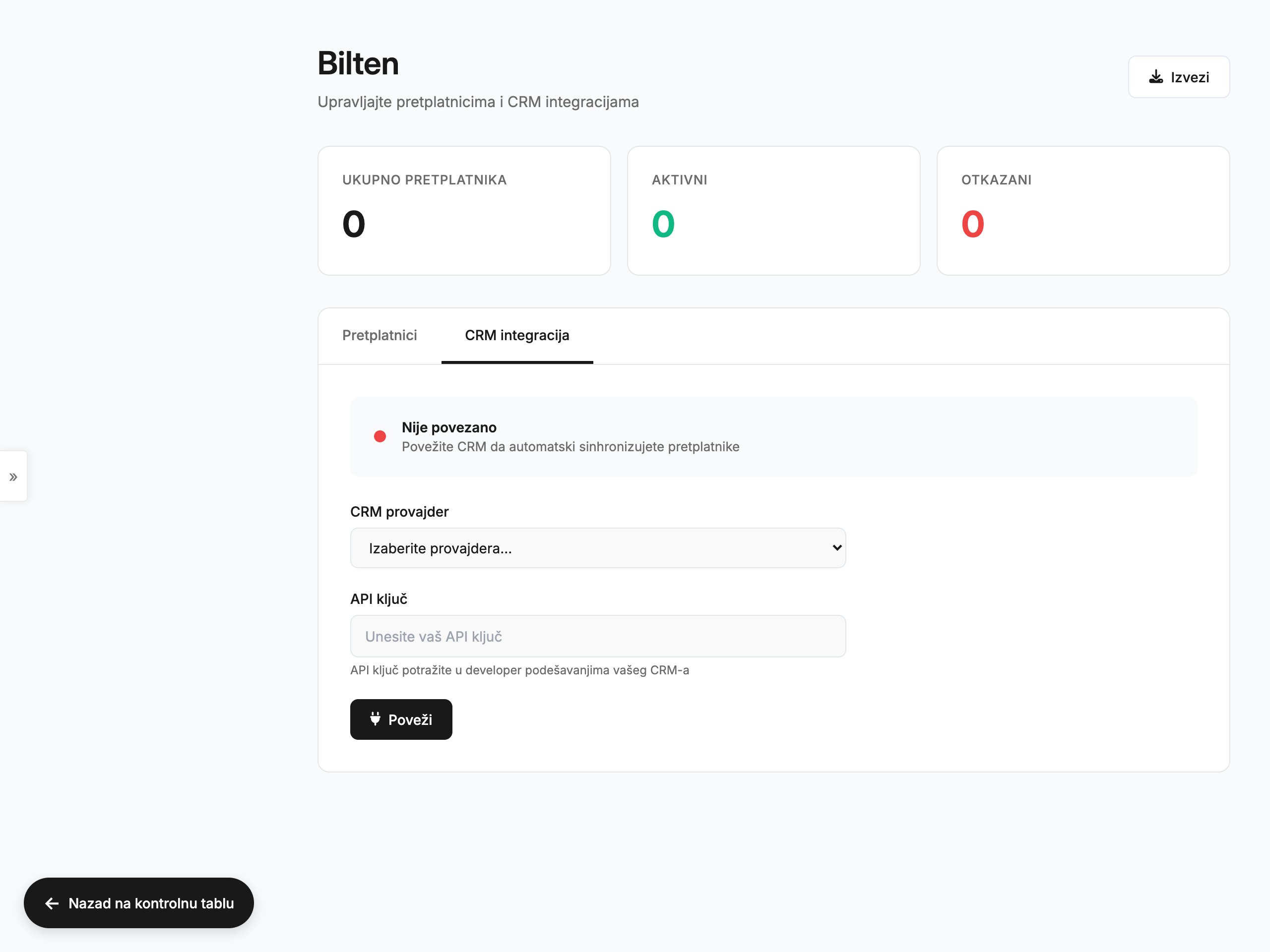
In the admin panel, choose your tool and enter its API key and list. Emit tests the connection before switching it on.
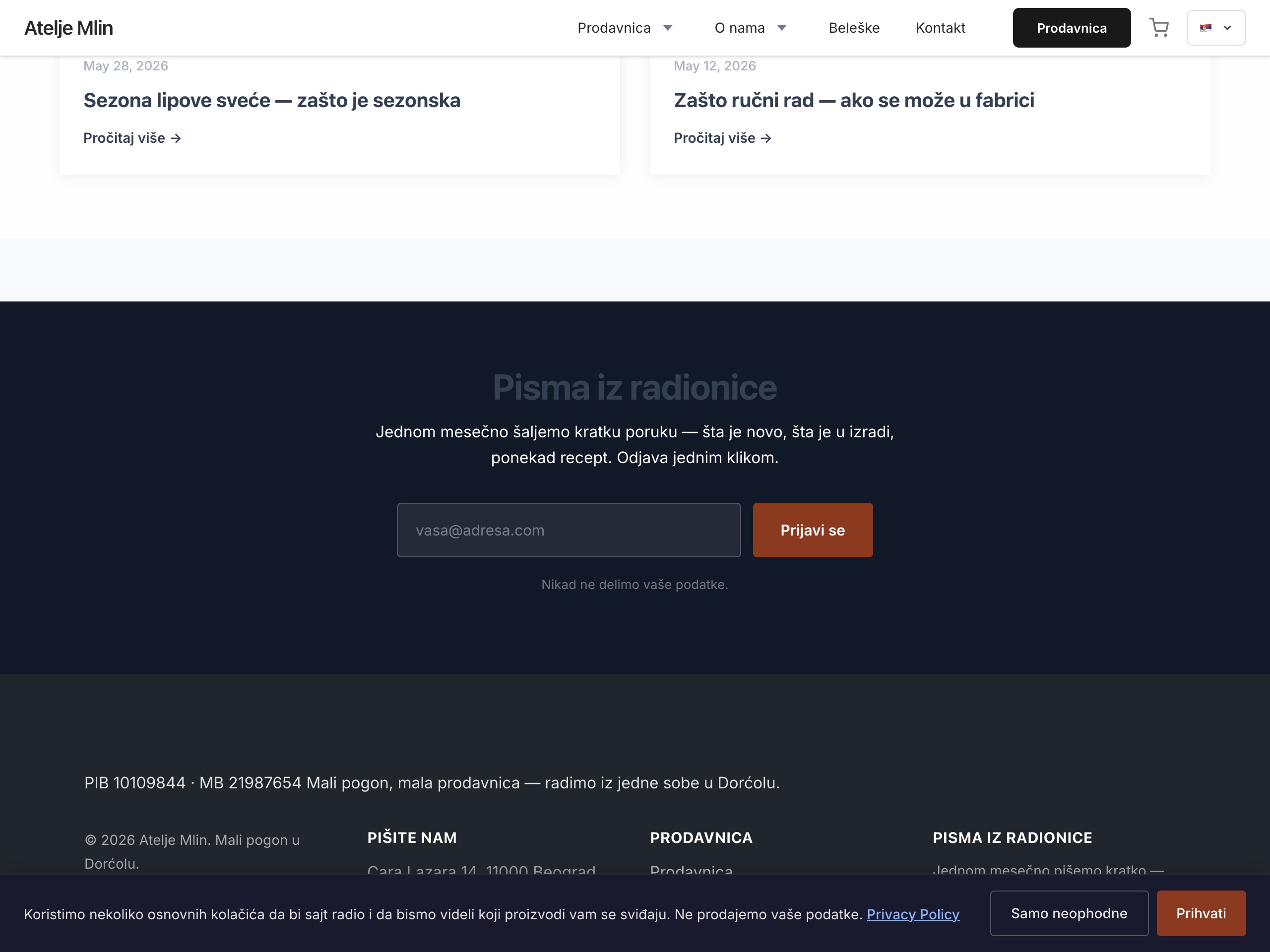
Place the newsletter block on any page - home, blog, contact. A visitor enters their email and is on your list right away.
Run campaigns, automated emails, segments and stats in Mailchimp or Brevo, just as before.
Add the newsletter block to a page or below your blog posts, and some site footer designs already have the form built in. A visitor enters their email and the sign-up lands in your list right away.

Emit does not keep its own copy of the list: your subscribers live in your Mailchimp or Brevo account. That's where you browse, export and segment them, and unsubscribes are recorded there, through the link in every email. The Emit admin panel shows your subscriber count and a link to the list.

Connect ChatGPT or Claude to Emit and ask in plain words. New pages arrive as a draft you review before they go live. You connect Mailchimp or Brevo yourself in the admin panel - or do everything yourself without AI, from a phone too.
An Instagram post reaches the share of your followers the algorithm decides on. An email reaches the inbox of everyone who signed up. More on this in do I need a website if I have Instagram.
A newsletter pays off most when you have something to share regularly - new products in your online store, free slots from reservations. See what a website for your business should have.
Online storesNew products, offers and coupons for returning customersOnline store website → Restaurants and cafésA new menu, events and holiday hoursRestaurant website → Beauty salonsSeasonal treatments and free slotsBeauty salon website → Courses and schoolsEnrolment, new groups and free materialsCourses and schools website → WineriesA new vintage, tastings and visitsWinery website → Vacation rentalsReach past guests before the season - alongside direct bookingsVacation rental website →If your question is not here, write to us at [email protected] - a person answers, in Serbian or English.
No. Emit collects subscribers with a form on your site and adds them straight to your list in Mailchimp or Brevo. You write, schedule and send campaigns from Mailchimp or Brevo.
Yes. The newsletter form on an Emit site only works once you connect Mailchimp or Brevo. Until one is connected, the form is shown, but visitors get a message that sign-up is not available yet and nothing is stored.
In your Mailchimp or Brevo account. Emit does not keep its own copy of the list - the admin panel shows your subscriber count and a link to the list, while browsing, exporting, segments and stats live in Mailchimp or Brevo.
They unsubscribe through the link in the email Mailchimp or Brevo sends, and it is recorded there. Since Emit keeps no copy of the list, there is nothing to keep in sync. An address that unsubscribed earlier is not re-added automatically - the person has to sign up again themselves.
Yes. Once you connect ChatGPT or Claude to Emit, you can ask it to add a newsletter form to the bottom of your home page or blog and write the sign-up text; a new page arrives as a draft you review and publish. You connect Mailchimp or Brevo yourself in the admin panel. You can do all of it without AI too.
Emit checks the email format, uses a hidden field that catches bots and limits how many sign-ups can come in quickly. If the same address signs up twice, Mailchimp or Brevo do not add it twice.
The newsletter form is part of Emit, which is 0 € during the introductory period, with every feature and no credit card. Plan prices will be published before the introductory period ends. Mailchimp and Brevo have their own pricing, which you pay them if you choose a paid plan.