

A coworking space website has to show the space, list prices for day passes, monthly membership and meeting rooms clearly, and let people book a desk or room without messaging back and forth. On Emit (emit.rs) you build that site yourself from ready-made coworking templates, with time-slot booking and capacity, no code, and it's free during the introductory period.
What a coworking website needs
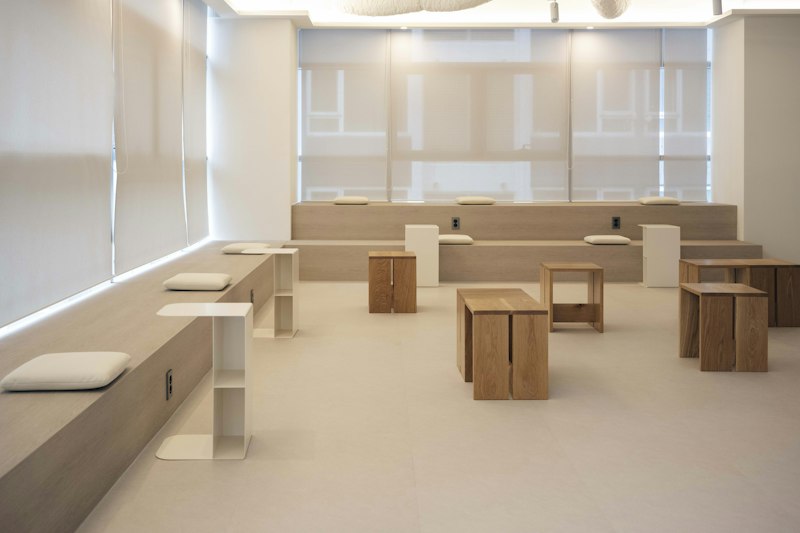
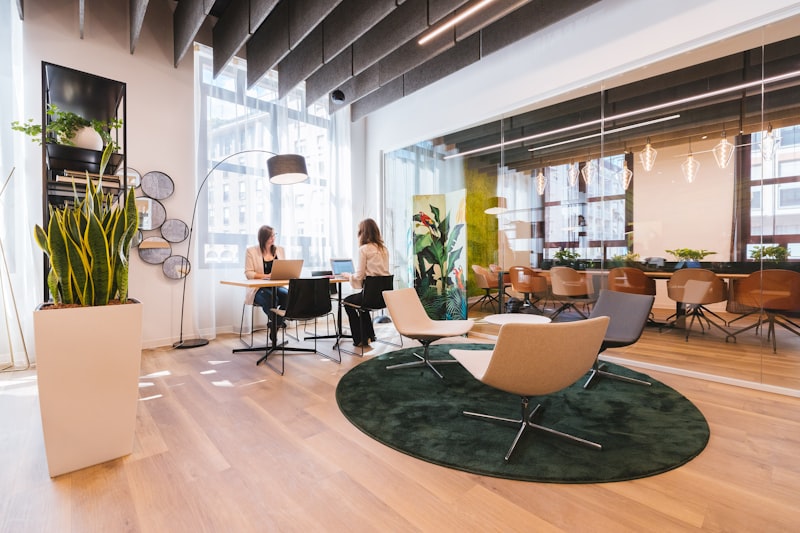
- Photos of the space - light, chairs, kitchen, meeting room; people are choosing where to spend eight hours a day.
- A clear price list - day pass, monthly membership, fixed desk, meeting room by the hour; without prices visitors move on.
- Online booking - a freelancer arriving in town tomorrow wants to book a desk now, and a team wants a meeting room at an exact time.
- What's included - internet, coffee, printer, locker, 24/7 access or weekdays only; this decides between two spaces.
- Location and access - a map, public transport, parking, reception hours.
- A page for teams and companies - monthly packages for small firms and the option to rent the space for workshops.
- An English version - digital nomads and foreign teams are a big part of your members.
- Events and community - workshops, meetups and talks give people a reason to come and stay.
How Emit handles it
- Coworking templates - the homepage and pricing page are ready; you edit them in the visual page builder.
- Time-slot booking with capacity - through reservations you set working hours per weekday with breaks, and each service (day desk, meeting room, team office) has its own duration, price and number of places per slot.
- Confirmations without your involvement - the member gets an email confirmation with a cancellation link, you get a notification, and you see every booking in one panel and in Google Calendar via an iCal subscription.
- Pricing as real text - a price list section with memberships and hourly room rates, readable on a phone and by Google.
- A site in Serbian and English - the English version lives under the /en/ path, with translations you enter yourself.
- A blog for events - announce workshops and talks as posts with categories.
- SEO, hosting and SSL included - a Google result preview, structured data about your space, a sitemap and backups.
Example: Radionica 21, Belgrade
Say you run a coworking space in Dorćol with 30 desks and one meeting room for eight. Bookings come in through messages, and the meeting room sometimes gets double-booked. The site could look like this:
- Home - a photo of the space, what's included and a "Book a desk" button.
- Pricing - day pass, weekly and monthly packages, fixed desk, meeting room by the hour.
- Booking - a day desk with a capacity of 30 places per slot, and the meeting room with one place per hour.
- The space - gallery, equipment, kitchen, access.
- Events - workshops and meetups as blog posts.
- Contact - map, directions, a form for teams and companies.
Frequently asked questions
How much does a coworking website cost on Emit?
During the introductory period Emit costs 0 €, with every feature included and no credit card. Plan prices will be published before the introductory period ends, and no account is charged without prior notice.
How are desks and meeting rooms booked?
On Emit you set up each type of space as a service with a slot length and capacity. Once a slot is full it's no longer available, so the meeting room can't be booked twice.
Do members pay online when they book?
No. Emit reservations don't take card payments, so you handle payment as you do now, on site or by invoice for monthly members.
Can I use my own domain?
You can connect your own domain or use a free subdomain, yourname.emit.rs. SSL and hosting are included.
Do I need technical knowledge?
No. Emit is a visual editor, and you set up reservations through forms in the dashboard, from a phone too. Support answers in Serbian and English.
Can my site also be in English?
Yes. Serbian is the primary language and the English pages live under the /en/ path, with translations you enter for each page.